
 Remote
UniFi Connect signage
Digital signage and room displays, managed in the same app.
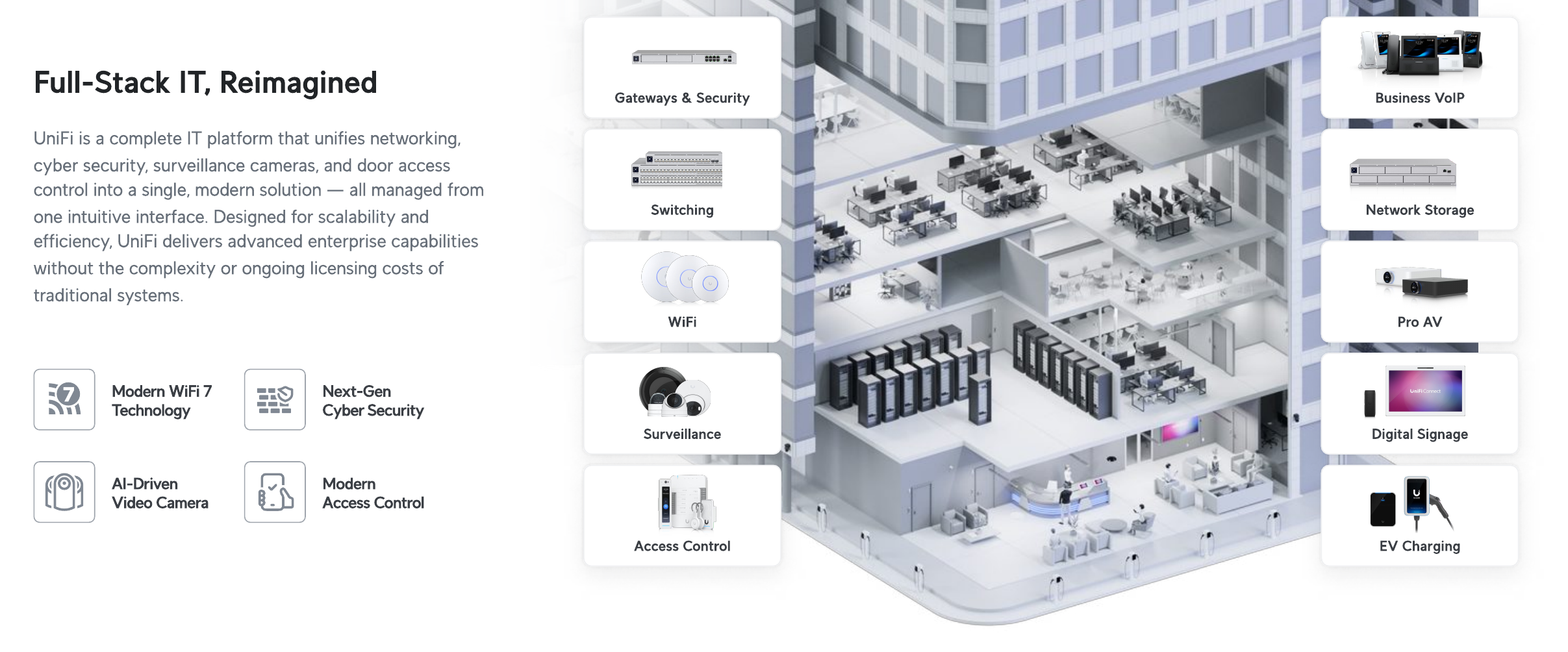
UniFi Connect manages digital signage and interactive displays on your UniFi network. The Connect Display is a standalone 21.5 inch FHD PoE++ touchscreen; Display Cast Pro (up to 4K) and Display Cast Lite (up to Full HD) pair with any HDMI TV to turn it into a managed signage player. Content is built in a drag-and-drop layout editor and scheduled from the UniFi app, with no per-device licence. We install the hardware and run it alongside the rest of your building.
From a UniFi Enterprise Partner with Ubiquiti-certified engineers.
- Schedules and layouts
- Plays what you have
- One cable for the display
Reviewed by Blake Bath, General Manager, on 31 October 2026.

What you get
Signage without another platform.
Managed in the same app as the rest of your UniFi.
Schedules and layouts
Build multi-zone layouts in a drag-and-drop editor and schedule them to change by time of day, so reception, menus and meeting rooms show the right content at the right time.
Plays what you have
Images, MP4 video, web pages and Android apps all run on the Connect Display, so you can reuse content you already own.
One cable for the display
The Connect Display takes power and network over a single PoE++ cable, with no separate power pack behind the screen.
UniFi stack picker
What else does your site need?
Most sites run more than one part of UniFi. See what fits together.
Pick what you need and the size of the job. You get the UniFi pieces that fit, and where to read more.
UniFi Connect questions
The short answers.
What is UniFi Connect?
UniFi Connect is the part of UniFi that manages digital signage and interactive displays. Devices connect to your UniFi network and are controlled from the same app as your Wi-Fi, cameras and doors, with schedules for when screens change and layouts built in a drag-and-drop editor.
What screens does UniFi Connect run on?
The Connect Display is a 21.5 inch Full HD PoE++ touchscreen for directories, bookings and interactive use. Display Cast Pro pairs with any HDMI TV and plays up to 4K content, powered by PoE or USB-C; Display Cast Lite does the same up to Full HD on USB-C power. Both play images, web pages and Android apps alongside video.
The hardware
The signage hardware.


In the app
Connect signage in the app.

How we take it on
From floor plan to managed.
- Step 1Survey
On site or from plans.
- Step 2Design
Hardware, layout and cost, in writing.
- Step 3Supply
Through Leader, with UI Care attached.
- Step 4Install
Configured, tested, switched over.
- Step 5Manage
Monitoring, updates and replacements.
Every part of UniFi
One platform. Every part has its own page.
Where to go next.
Get help your way
Six ways to reach us. Pick whichever suits you.
Helpdesk hours are Monday to Friday, 8am to 5pm AEST. On Advantage and above, emergencies get a response within 1 hour and outages within 2, with 24/7 best-effort escalation.
- Call 07 3114 2808
An engineer answers Monday to Friday, 8am to 5pm AEST. After hours, weekends and public holidays, Chip, our AI agent, answers on the same number or on 07 3180 0965, logs it and escalates urgent incidents to the on-call engineer.
Call now - Email the helpdesk
Send it to helpdesk@realbytes.com.au and a ticket is logged straight away, with a reference number you can quote.
Email us - Client portal
Log and follow your tickets, see what we are working on and who has it.
Open the portal - Remote support
When an engineer asks to see your screen, start a secure session here. You start it, so nobody sees your screen until you do.
Start a session - Chat in Microsoft Teams
Clients can message Chip, our AI assistant, in Teams to log a request without leaving their desk.
How clients reach us - Service status
Check whether Microsoft 365 or another cloud service is down before you lose an hour troubleshooting.
See live status
Questions
What people ask about UniFi Connect signage.
Do signage displays need their own network?
No. They run on your UniFi network, on their own separated segment so they cannot reach your business files. We set up that separation as part of the install.
Is there a licence fee for UniFi Connect?
No. UniFi Connect carries no per-device subscription. You buy the hardware once, and ongoing cost is the support plan you choose. Optional paid add-ons such as UI Care and Site Support are separate.
Can I show my own content and schedule it?
Yes. UniFi Connect plays images, MP4 video, web pages and Android apps, and its layout editor lets you arrange them on a canvas and schedule when each layout appears.
What do I need to run UniFi Connect signage?
A UniFi console such as a Dream Machine or Cloud Key, a UniFi PoE switch to power the Connect Display, and a hard drive to store media. Most sites already have these; we add what is missing.
Next step
Adding signage or room displays?
Tell us which screens and where, and an engineer will quote it.
Keep reading
- UniFi overview The platform.
- Site survey Where it starts.
- UniFi vs Meraki Comparison.
- Contact Talk to us.
- Managed IT services in Brisbane One team for your IT, cyber security and AI, based in Brisbane and supporting businesses Australia wide.
Reviewed by Blake Bath, General Manager, on 31 October 2026. Product details from Ubiquiti's technical specifications and help centre, checked 1 October 2026. Ubiquiti, Technical specifications; Ubiquiti, Help centre