Business security cameras that find what happened in minutes.

UniFi Protect cameras and UniFi Access doors in one dashboard. Footage stays on your premises, and there are no per-camera licence fees. We assess the site, install it and look after it.

Listed in the Ubiquiti Professional Integrator directory. Part of our UniFi installation and support service.

UniFi Protect live view of a parking garage entrance with people, vehicles and a dog outlined by detection boxes

The problem

Fragmented security costs more and shows less.

Cameras from one vendor, access cards from another, visitors in a spreadsheet. When something happens, the evidence is spread across systems, and the licence bills keep stacking up. We replace it with one UniFi system you own.

  • No single view of your building securityBlind spots
  • Monthly fees for cameras, AI and recordingHidden costs
  • Video in cloud services you cannot auditPrivacy risk
  • Separate apps for cameras, doors and alertsConfusing
  • Evidence pieced together from several systemsSlow response

Smart cameras

Find what happened in minutes, not hours.

Find the moment fast

Search footage by person or vehicle instead of scrolling through hours of video, so an incident is found in minutes.

Face and number-plate recognition

Supported cameras can recognise faces and vehicle number plates. We help you set this up within the Privacy Act and your state surveillance laws, including signage.

Footage stays on your premises

Video records to a recorder in your building, not a third-party cloud, and there is no per-camera licence fee.

See it in action

Clear footage, fast search, footage kept on site.

Every camera on one screen

Live view of all cameras, with recent people and vehicle detections and how many days of recording you have.

Cameras in your pocket

Live footage and detections for people, vehicles and motion in the UniFi Protect app.

Car park coverage

Pan-tilt-zoom cameras cover wide outdoor areas, with people and vehicles flagged automatically.

Counter and cash areas

Overhead views of registers and counters, with audio detection alerts when someone is speaking.

Arrivals and drop-offs

Entry and parking cameras record people and vehicles, ready to search by time or event.

Screenshots supplied by Ubiquiti. Select an image to view it full size.

The hardware

Cameras and doors on one platform.

UniFi Protect G5 Cameras

UniFi Protect cameras

No per-camera licence fees (optional add-ons such as UI Care are paid), so adding cameras means buying hardware, not another subscription. The range spans G3, G4, G5 and AI series cameras, with 4K on Pro models such as the G4 Pro and G5 Pro.

  • G3, G4, G5 and AI series cameras, with 4K on Pro models
  • Turret, dome, bullet and fisheye form factors
  • Single PoE cable per camera
  • ONVIF support to keep compatible existing cameras recording during a staged move
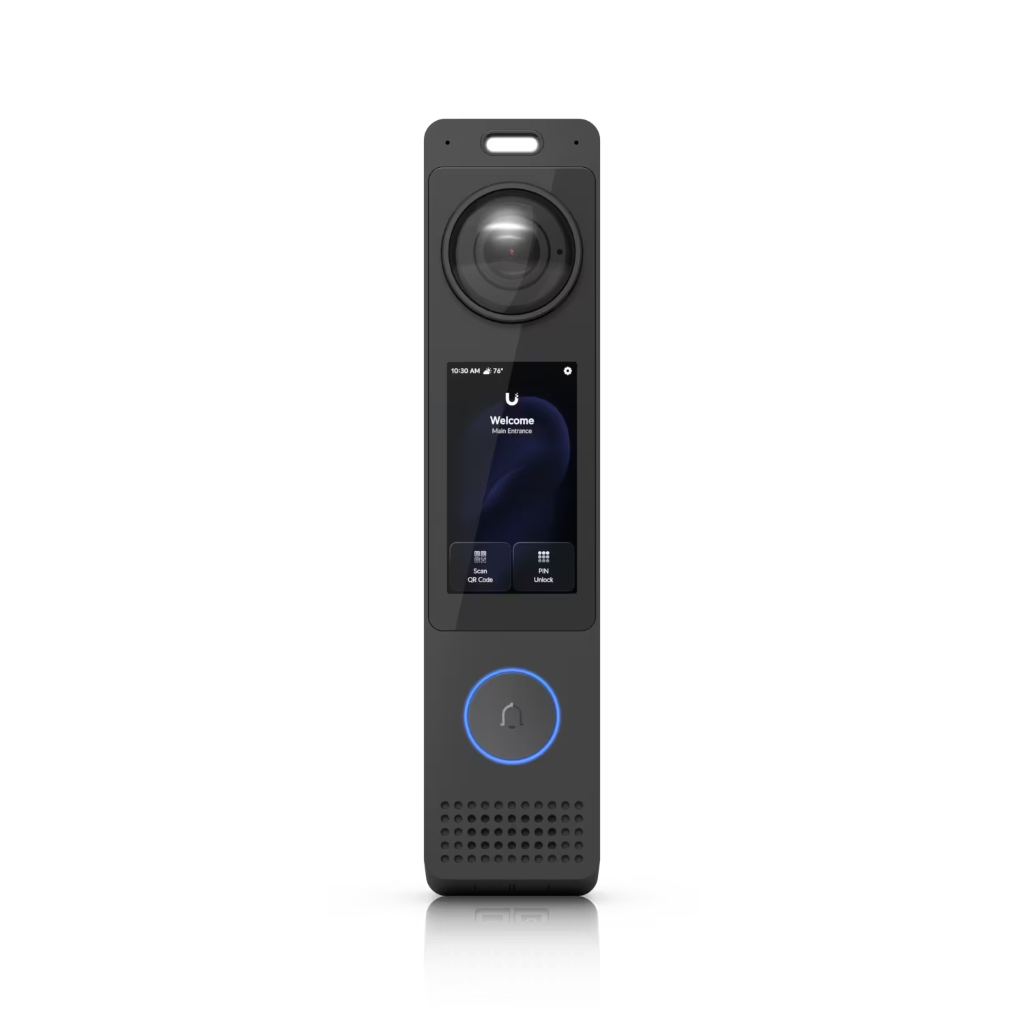
UniFi Access G3 Reader Pro

UniFi Access control

Door access managed from the same dashboard as your cameras, with NFC (Apple Wallet and Google Wallet), PIN codes and mobile app unlock.

  • G3 Reader Pro integrated hub for single-door deployment
  • Door, lift and gate hubs for multi-door sites
  • Retrofit Hub reuses existing Wiegand readers and wiring
  • Works with common fail-safe and fail-secure electric locks, checked per door

Camera range

Cameras and the recorder that keeps footage on site.

UniFi Protect AI 360 camera, black, 360-degree fisheye lens, front view

UniFi Protect AI 360

One fisheye camera covering a whole room, shop floor or lobby.

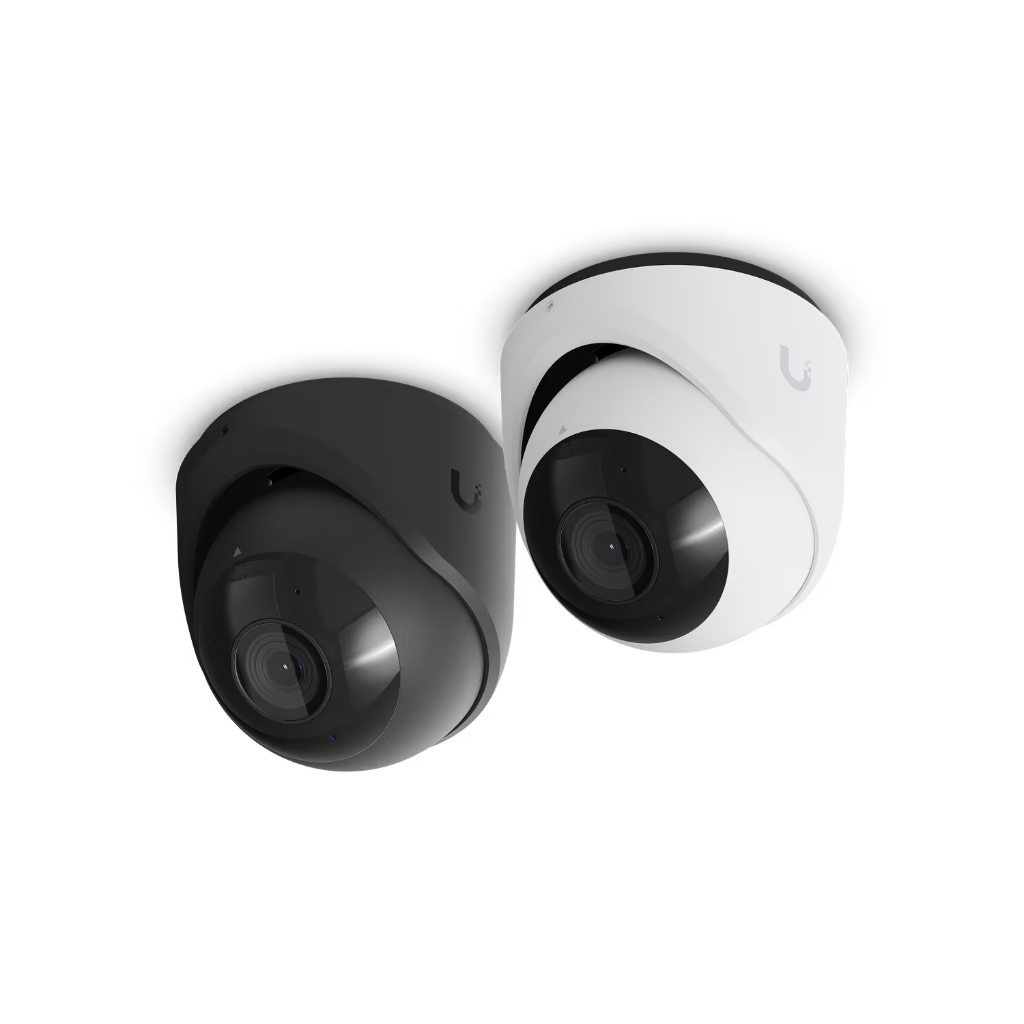
UniFi Protect G6 Pro Dome camera, white vandal-resistant housing with clear bubble and large lens

UniFi Protect G6 Pro Dome

Vandal-resistant dome for entries, corridors and counters.

UniFi Protect G6 Turret camera, white, front view

UniFi Protect G6 Turret

Turret camera for driveways, car parks and building perimeters.

UniFi UNVR 4-bay 1U network video recorder, front view

UniFi UNVR recorder

Keeps footage on your premises, no per-camera fees.

UNVR: 4 drive bays, 1U, up to 60 HD or 18 4K cameras

Product images: Ubiquiti. Example specs from techspecs.ui.com. Exact models are chosen per site after the survey.

Sensors and alarms

Sensors and sirens that act on what happens.

UniFi Sense (UP-Sense)

UniFi Sense (UP-Sense)

Ubiquiti's battery-powered all-in-one sensor. Detects door activity, motion, light, temperature and humidity, and connects through a SuperLink Gateway or a Bluetooth-enabled U6 access point.

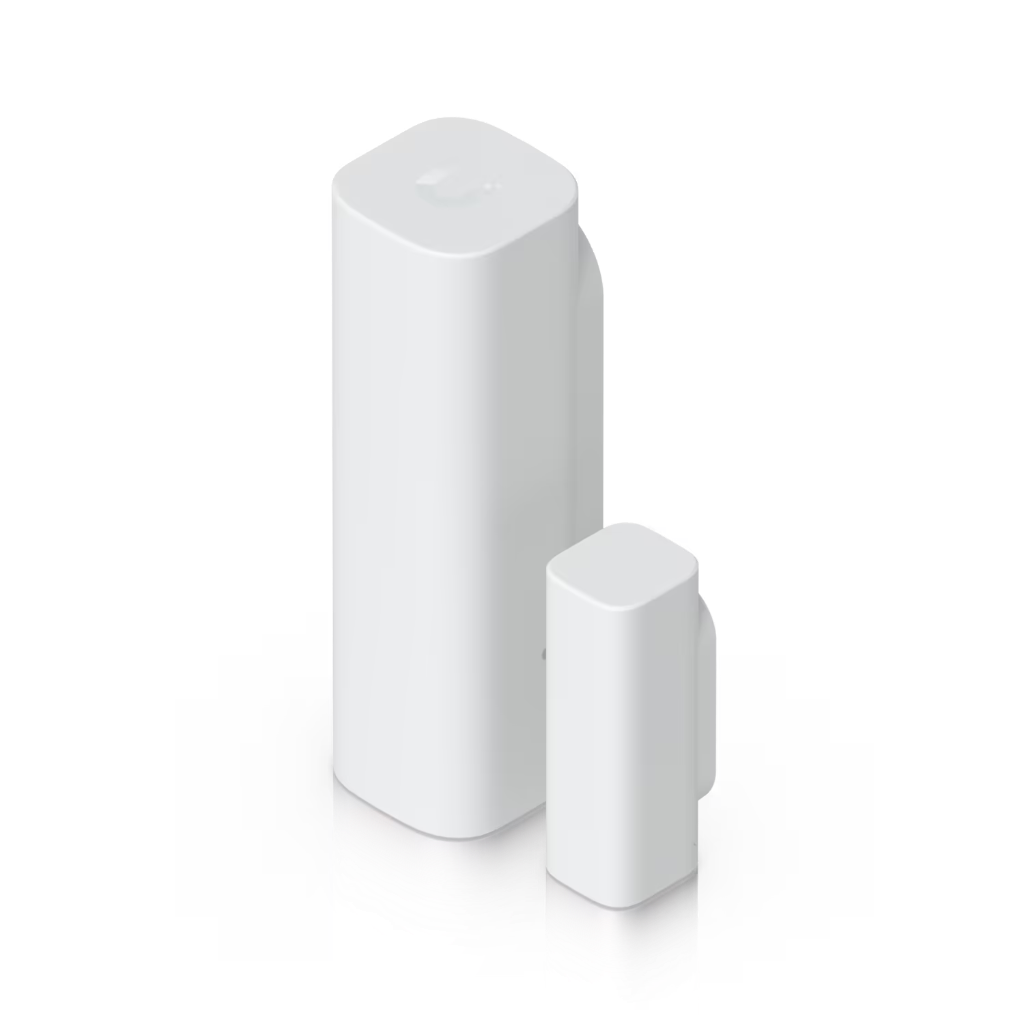
UniFi Entry Sensor (USL-Entry)

Wireless door and window sensor on UniFi SuperLink. Battery powered, with Ubiquiti rating battery life at up to six years. Triggers cameras and alerts when a door opens.

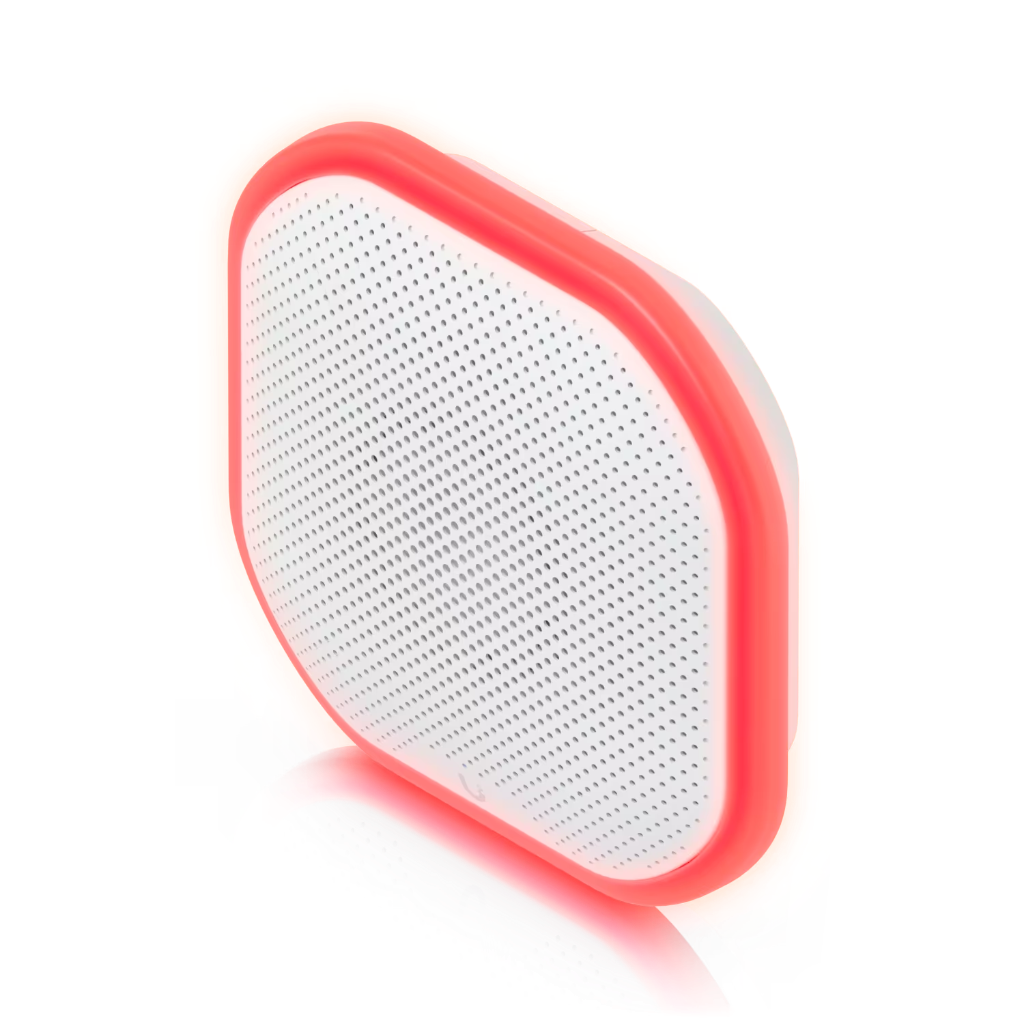
UniFi Siren (UP-Siren-PoE)

UniFi Siren (UP-Siren-PoE)

All-weather audible alarm rated at 110 dB, with emergency LED lighting, powered over one network cable. Triggers on intrusion detection or from the dashboard.

Alerts and actions from one place

UniFi Alarm Manager responds to sensor events such as water leaks, smoke, CO or extreme readings with push and email alerts, siren tones or PTZ camera moves.

Pull the tab to connect

Ubiquiti states that SuperLink sensors connect to a SuperLink Gateway automatically once the battery tab is pulled, ready for adoption.

Arm and disarm by profile

Alarm Profiles in UniFi Protect 6.1 group responses together, so alerts only fire when the site is armed.

What's included

Unified building security, end to end.

Smart AI analytics

Person, vehicle and package detection on supported cameras. Face and number plate recognition are built into AI-series cameras, or added to G4 and G5 cameras with a UniFi AI Key or AI Port. Search footage by detection and set alerts in Alarm Manager.

UniFi Protect cameras

No per-camera software licences or subscriptions. Adding cameras means buying hardware, not paying more each month, up to the capacity of your recorder. Each camera runs on a single PoE cable.

UniFi Access control

Licence-free door access control managed from the same dashboard as cameras. Support for NFC, PIN and mobile app unlock, with integrated intercom and doorbell functions.

Identity mobile app

One-tap door unlock with iPhone or Apple Watch via Apple Wallet, plus one-tap Wi-Fi and VPN connection for staff.

Vantage Point multi-site

Vantage Point combines live view and playback from up to five UniFi recorders in one screen, so cameras at several sites can be watched together.

Enhanced retention and storage

Older footage is kept at reduced quality to stretch storage, while recent recordings stay in full clarity. Cloud archiving to Google Drive, Dropbox or OneDrive.

What the 2026 breach data shows

Physical and digital security now sit on the same network

The Verizon 2026 DBIR shows IoT and OT devices are increasingly exploited as soft entry points into corporate networks. CCTV and access control deployed on segmented, hardened infrastructure with patched firmware is what stops a camera or door reader becoming the pivot for a larger incident.

Read the Verizon 2026 DBIR

0 days

0 days median time from edge-device CVE disclosure to mass exploitation

Firewalls, VPN gateways and remote-access appliances are now hit at internet speed.

Top vector

Vulnerability exploitation now the leading initial access vector for breaches

Overtook stolen credentials in 2026. The patch backlog has become the front door.

48%

48% of breaches involved a third party globally, up from 15% two years ago

Your supplier list is now part of your attack surface.

Source: Verizon 2026 Data Breach Investigations Report. Dataset window Oct 2024 to Nov 2025. 31,000+ incidents and 22,000+ confirmed breaches across 145 countries.

The platform

UniFi at a glance

4K AI cameras

Person, vehicle, animal, face and number plate detection on the camera. Clothing colour and natural-language search with the AI Key.

Source: Ubiquiti UniFi deck, 2026

8 doors per hub

Enterprise Access Hub holds 10,000 users. Add hubs to scale.

Source: techspecs.ui.com, EAH-8, 2026

1,000 sites

SD-WAN hub and spoke, with every site in one Site Manager view.

Source: Ubiquiti UniFi deck, 2026

Why it holds up

Hardware, support and cover behind every install.

Built not to fall over

Business-grade UniFi hardware supports backup internet links, spare power supplies and fans that can be swapped while it runs, so one failed part does not take the site down.

Ubiquiti behind our engineers

Ubiquiti offers paid 24/7 phone support plans for UniFi, so hard hardware problems can be escalated to the people who make it.

Up to five years of hardware cover

Ubiquiti's UI Care plans cover hardware for up to five years, with replacements shipped before the faulty unit goes back.

Source: Ubiquiti, UniFi overview, 2026.

How it works

Priced before anything is installed.

  1. 01

    Survey

    We walk the site, or work from floor plans, and plan where access points, cameras and readers should go.

  2. 02

    Quote

    A fixed-price proposal with every device and cable run listed, before you commit.

  3. 03

    Install

    Cabled, configured and tested, then handed over with a short walk-through of the app.

  4. 04

    Look after it

    Alerts come to our engineers, firmware is updated on a schedule and settings are backed up. Most faults are fixed remotely, and Brisbane-based engineers attend when needed.

UniFi Protect Brisbane

Who installs UniFi Protect cameras in Brisbane?

Real Bytes installs UniFi Protect security cameras across Brisbane and South East Queensland. We are a Ubiquiti Professional Integrator, so we design camera placement, run the cabling, set up recording on your premises and support the system afterwards in the same app as your network and doors.

Do UniFi Protect cameras have licence fees?

No. UniFi Protect has no per-camera licence. Footage records to a UniFi console or network video recorder in your building, so the ongoing cost is the hardware and any support plan you choose, not a subscription per camera. Face and number plate recognition on G4 and G5 cameras need a one-off AI Key or AI Port. Optional add-ons such as UI Care are paid.

Can UniFi Protect integrate with door access?

Yes. UniFi Protect and UniFi Access run in the same app, so a door event can be matched with the camera footage from that door. Staff who manage the site see who opened a door and what the camera saw, without switching between systems.

Common questions

Building security: common questions.

What is the difference between UniFi Protect and traditional CCTV systems?
Traditional CCTV often means separate recorders and a separate access control system, each managed on its own. UniFi Protect puts AI detection, recording and access control in a single dashboard with no licence fees. Each camera installs on a single PoE cable.
Does my video data leave my building?
No. All video recording, storage, and AI detection happen locally on your UniFi NVR or Enterprise NVR within your building. Video never leaves your network unless you explicitly configure cloud archiving to Google Drive, Dropbox, or OneDrive for backup.
Can I manage UniFi Protect across multiple locations?
Yes. Each site keeps its own recordings on a local UniFi recorder, and every site can be reached remotely through UniFi Site Manager or the mobile app. Vantage Point shows cameras from up to five recorders together in one view, with live feeds and playback.
Can UniFi Protect integrate with my existing cameras?
Often, yes. UniFi Protect can adopt ONVIF-compatible third-party cameras, which helps you move to UniFi in stages. Those cameras record, but they do not get UniFi's smart detections, so we usually replace them over time. We check which of your cameras are compatible first.
How much video can I store and for how long?
Storage depends on your NVR capacity, camera resolution, and frame rate. Enhanced Retention reduces older footage quality to extend retention to months or years. We size storage to the retention period you need. Off-site archiving to Google Drive, OneDrive, Dropbox or a network storage drive keeps copies beyond what the recorder holds.
Does UniFi Access work with my existing door locks and readers?
UniFi Access supports electric strike, electric bolt and magnetic locks, in fail-safe or fail-secure setups. The hub powers locks that draw 12V DC at up to 1A, and higher-voltage locks connect through a dry relay with an external power supply. The UniFi Retrofit Hub can reuse compatible third-party Wiegand readers and existing wiring. It does not currently support OSDP readers.
What unlock methods does UniFi Access support?
UniFi Access supports NFC cards, PIN codes, mobile app unlock and Touch Pass, which adds a door key to Apple Wallet or Google Wallet. Users can unlock doors with their iPhone, Apple Watch, or Android phone. Pocket Keyfobs provide physical backup access.


Next step

One system. Your footage. No monthly fees.

Start with a free on-site assessment. We review your current cameras and doors, find the blind spots, and design a UniFi Protect and Access system for your site and budget.