
 Remote
Office tour
Step inside an office we run.
Take a walking tour through an office we look after, from the front gate to the server rack. 34 stops, each one a service we design, install and manage, with what it means for the people who work there.
Real people, straight answers, no offshore call centres.
- 34 stops on the tour
- IT, security, cloud and physical
- One team for all of it
Five layers
One team. Every layer covered.
Most offices have five or six different contractors for these. We do the lot, so nothing falls in the gap between them.
Physical security
Gates, doors, intercoms, cameras and alarms on one system, so you know who came in, when, and what the cameras saw.
- The front gate
- The number plate camera
- The front door
- The doorbell
- The cameras
- The after-hours alarm
- The server room door
- The store camera
Cloud and collaboration
Phones, meeting rooms, booking panels and files that work the same in the office and at home.
- The reception phone
- The welcome screen
- The open plan desks
- The phone booth
- The room booking panel
- The meeting room
- The old file server
- The breakout area
Cyber security
The inbox, passwords, the finance desk and the boardroom, protected against the scams that actually cost businesses money.
- The inbox
- The missing sticky note
- The dark web watch
- The boardroom
- The finance desk
- The laptop that left the office
Infrastructure
Wi-Fi, internet, power and the server rack, built to keep running when something in the street goes wrong.
- The EV charger
- The delivery at reception
- The Wi-Fi that just works
- The server rack
- The internet that stays up
- The UPS
Managed IT
The help desk, new starters, printers and backups, looked after by the same engineers every time.
- The reception counter
- The new starter's desk
- The printer that just prints
- The director's office
- The backup
- The store scanner
Your office
How does your office compare?
Twelve of the stops on the tour. Tick the ones your office has today. The gaps are where to start.
Tick each one your office has today.
Where you stand
0of 12 stops in place
12 gaps to close.
- Door access you can audit
- Cameras that alert when it matters
- Wi-Fi in every corner, guests kept separate
- A backup internet connection
- A UPS on the network and servers
- Backups that have been restore-tested
- Email filtering that stops fake invoices
- A password manager for every staff member
- New starters ready on day one
- Bank detail changes confirmed by phone
- Alerts when a staff password leaks
- Someone watching the server rack at 2am
Taken from the stops on the tour below. Click a pin to see how each one works.
Managed IT · Cloud · Cybersecurity · Physical Security · Infrastructure
Every pin is a service we run.
Click any point on the map to see what sits behind it: the technology, the team and the outcome for the business. Filter by service line, browse the full list, or take the walking tour to step through all 34 stops from the front gate to the server rack.
Getting it done
From walk-through to working office.
- Step 1Walk the site
We visit, or walk it with you on a video call, and note what is there.
- Step 2A plan in plain English
What to do first, what can wait, and a price in Australian dollars.
- Step 3Install around your hours
After hours or staged, so staff keep working.
- Step 4Looked after afterwards
Monitored and supported by the same team that put it in.
Core services
One team. Eight ways to use it.
Every core service is run by the same Brisbane engineers, so the person who sets up your laptop is the one who answers when it breaks. Most clients use several.
- Managed ITIT and security from one team, watched day and night.
- IT Help Desk & SupportCall, email or log it. A Brisbane engineer owns it until it is fixed.
- Co-Managed ITExtra engineers for the IT team you already have.
- Device ManagementEvery laptop and phone updated, encrypted and accounted for.
- IT Strategy & vCIOA written plan, a real budget and a quarterly sit-down.
- IT ProcurementDevices that arrive set up and ready to work.
- Vendor ManagementOne number for your internet, phone and software suppliers.
- Labour HireOur engineers on your project, for as long as it takes.
Get help your way
Six ways to reach us. Pick whichever suits you.
Helpdesk hours are Monday to Friday, 8am to 5pm AEST. On Advantage and above, emergencies get a response within 1 hour and outages within 2, with 24/7 best-effort escalation.
- Call 07 3114 2808
An engineer answers Monday to Friday, 8am to 5pm AEST. After hours, weekends and public holidays, Chip, our AI agent, answers on the same number or on 07 3180 0965, logs it and escalates urgent incidents to the on-call engineer.
Call now - Email the helpdesk
Send it to helpdesk@realbytes.com.au and a ticket is logged straight away, with a reference number you can quote.
Email us - Client portal
Log and follow your tickets, see what we are working on and who has it.
Open the portal - Remote support
When an engineer asks to see your screen, start a secure session here. You start it, so nobody sees your screen until you do.
Start a session - Chat in Microsoft Teams
Clients can message Chip, our AI assistant, in Teams to log a request without leaving their desk.
How clients reach us - Service status
Check whether Microsoft 365 or another cloud service is down before you lose an hour troubleshooting.
See live status
Questions
What people ask about the tour.
Is this a real office?
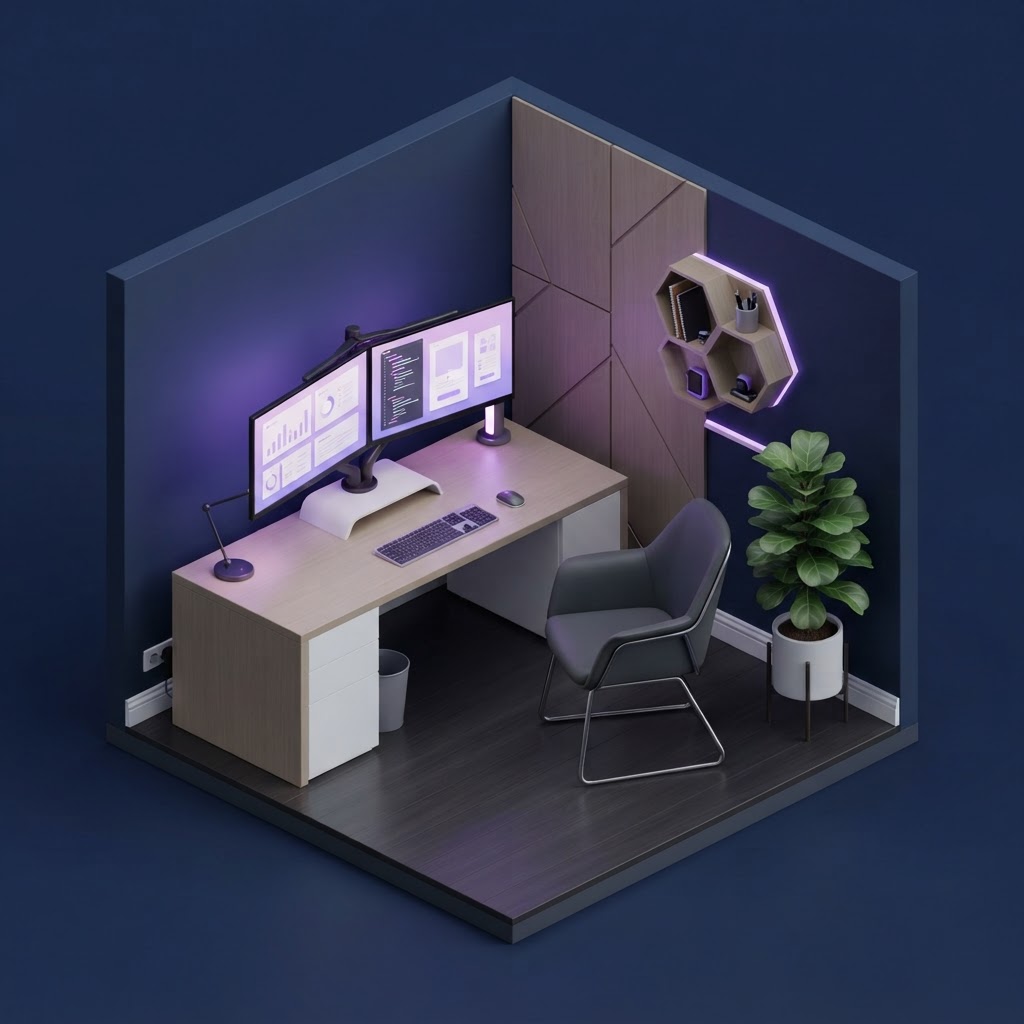
It is an illustrated office that brings together the systems we install and run across client sites, from the front gate to the server rack. Every pin is a service we deliver, described the way it works in practice.
Can you do all of this for one office?
Yes. We design, install and manage networks, security, cloud, phones, cameras, doors and the IT support behind it all, so you deal with one team instead of five contractors.
Do we have to do everything at once?
No. Most clients start with the basics, such as backup, email security and MFA, and add physical security or network upgrades when the budget or a move allows. The check on this page is a good way to see what to do first.
Do you work outside Brisbane?
Yes. We support offices anywhere in Australia remotely and travel for installs and on-site work, including regional Queensland and Melbourne.
Next step
Want this for your office?
We design, install and manage the lot: networks, security, cloud, phones, cameras, doors and the IT support behind it all. Australian engineers, and security built in from day one.

Keep reading
- All services Everything we do, in one place.
- Door access UniFi Access for doors, gates and intercoms.
- Cameras UniFi Protect with no per-camera fees.
- Networks and Wi-Fi Wi-Fi that reaches every corner.
- Backup Restores that are tested, not assumed.
- Managed IT IT and security from one team.
Checked 30 October 2026. The office on this page is illustrative. Every service shown is one we deliver.