
 Remote
Local support
Someone who answers the phone, and turns up when it matters.
If you're searching for managed IT services near you, you probably want two things: a person who picks up, and someone who can be on site when it counts. We're in Brisbane, we support clients across Australia, and we tell you upfront whether we can service your site properly.
Brisbane service desk. Named engineers. On-site where you need it.
- Australian business hours
- Named engineers
- Documentation handed over
Reviewed by Blake Bath, General Manager, on 31 October 2026.
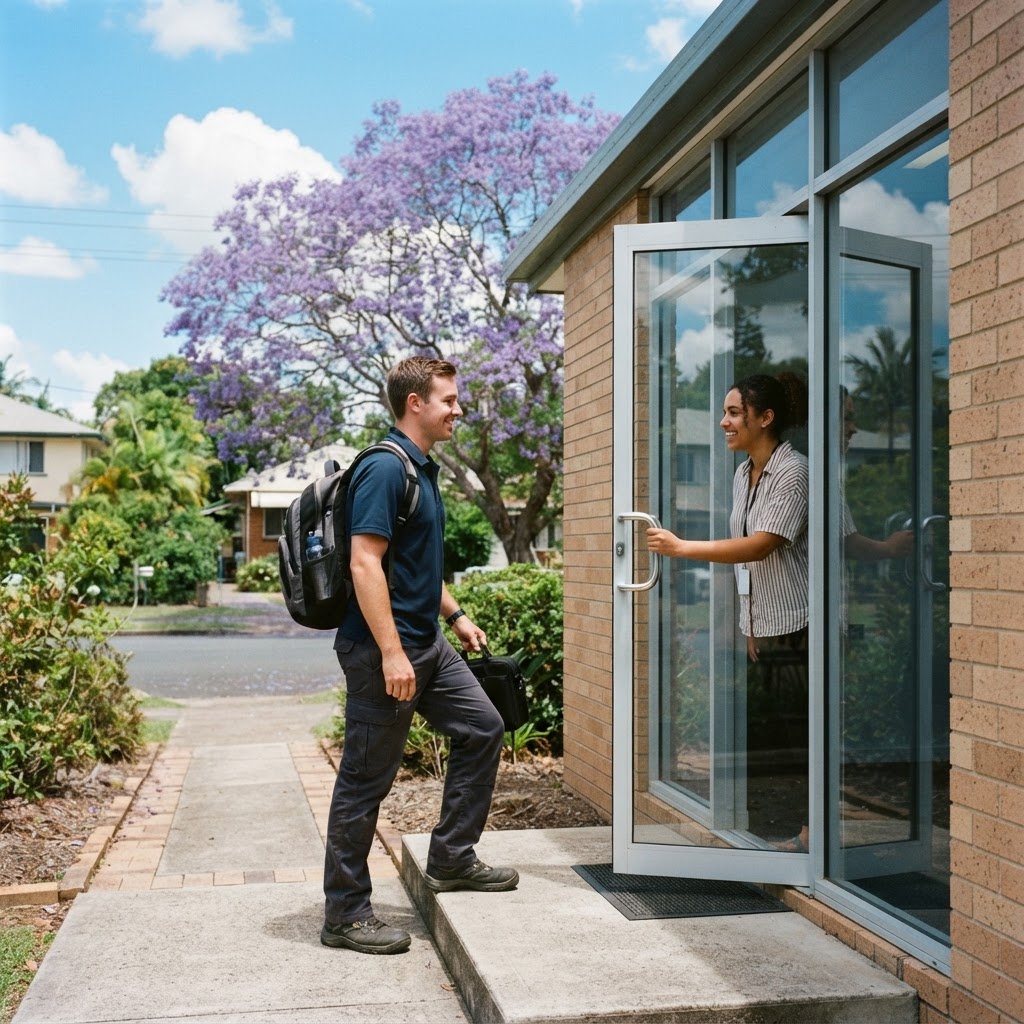
What local actually means
Local isn't just a postcode.
It's Australian hours, Australian data handling, and people who know your setup.
A person answers
Our Brisbane service desk, in Australian business hours.
- Phone
- Portal
Named engineers
People who know your environment, not a queue reading a script.
- Same people
- Your setup
- Your history
On site when it matters
Cabling, hardware, office moves and audits, with travel quoted first.
- Scheduled
- Quoted
- Done
Your documentation
Handed over, not held hostage.
- Written
- Current
- Yours
Coverage check
Do we cover your site?
Pick your area and what you need. You get a straight answer.
Tell us where you are and what you need. You get a straight answer on what we can cover.
Coverage
We cover you
- Remote support from our Brisbane service desk, in Australian business hours.
- On-site visits from our own engineers.
What's included
Managed IT, in plain terms.
- Service deskHelp for your staff, remote first.
- Monitoring and patchingDevices and servers kept up to date in the background.
- Microsoft 365 administrationAccounts, licences and settings looked after.
- Backup monitoringWatched, and restores tested.
- Security baselineIncluded, not sold as an extra later.
How pricing works
Per user, per month. Projects quoted separately.
Support is priced per user per month, with pay as you go if your needs are light. Projects are quoted separately so you can see exactly what you're paying for.
Changing providers
How we take over from your current provider.
- Request the documentationFrom your current provider.
- Audit it ourselvesTo fill the gaps they didn't write down.
- Cut over cleanlyNo service break for your staff.
Getting started
Three steps to on board.
- Step 1Talk
Your suburb, your staff, what's not working.
- Step 2Quote
Per user, with anything extra listed.
- Step 3Take over
Documentation, audit, clean cutover.
Related
Local support. And what sits behind it.
Where to go next.
Get help your way
Six ways to reach us. Pick whichever suits you.
Helpdesk hours are Monday to Friday, 8am to 5pm AEST. On Advantage and above, emergencies get a response within 1 hour and outages within 2, with 24/7 best-effort escalation.
- Call 07 3114 2808
An engineer answers Monday to Friday, 8am to 5pm AEST. After hours, weekends and public holidays, Chip, our AI agent, answers on the same number or on 07 3180 0965, logs it and escalates urgent incidents to the on-call engineer.
Call now - Email the helpdesk
Send it to helpdesk@realbytes.com.au and a ticket is logged straight away, with a reference number you can quote.
Email us - Client portal
Log and follow your tickets, see what we are working on and who has it.
Open the portal - Remote support
When an engineer asks to see your screen, start a secure session here. You start it, so nobody sees your screen until you do.
Start a session - Chat in Microsoft Teams
Clients can message Chip, our AI assistant, in Teams to log a request without leaving their desk.
How clients reach us - Service status
Check whether Microsoft 365 or another cloud service is down before you lose an hour troubleshooting.
See live status
Questions
What people ask when looking for local IT support.
What does managed IT support include?
Service desk support for your staff, monitoring and patching, device management, Microsoft 365 administration, backup monitoring and a security baseline. Projects and hardware are quoted separately.
Does an IT provider need to be local?
For day-to-day support, no. Most issues are fixed remotely and faster than waiting for a visit. Local matters for cabling, hardware swaps, office moves and site audits, which is why we do both.
Where do you cover?
We're based in Brisbane and support clients across Australia, with on-site coverage across South East Queensland and regional Queensland, and partner-supported visits in Sydney, Melbourne, Adelaide, Perth and Darwin. We tell you honestly what response time we can commit to.
How do you take over from our current provider?
We request your documentation, audit the environment ourselves to fill the gaps, then cut over without a service break. You keep the documentation either way.
How is it priced?
Per user, per month, with pay as you go if your needs are light. Projects are quoted separately so you can see exactly what you're paying for.
Next step
Tell us your suburb.
And roughly how many staff you have. We'll tell you straight away whether we're the right fit.

Keep reading
- Managed IT Brisbane Service.
- IT support services Service.
- Switching providers Guide.
- Contact Talk to us.
Reviewed by Blake Bath, General Manager, on 31 October 2026. Coverage and pricing model are Real Bytes' own, checked 31 October 2026.