
 Remote
Cloud and Azure
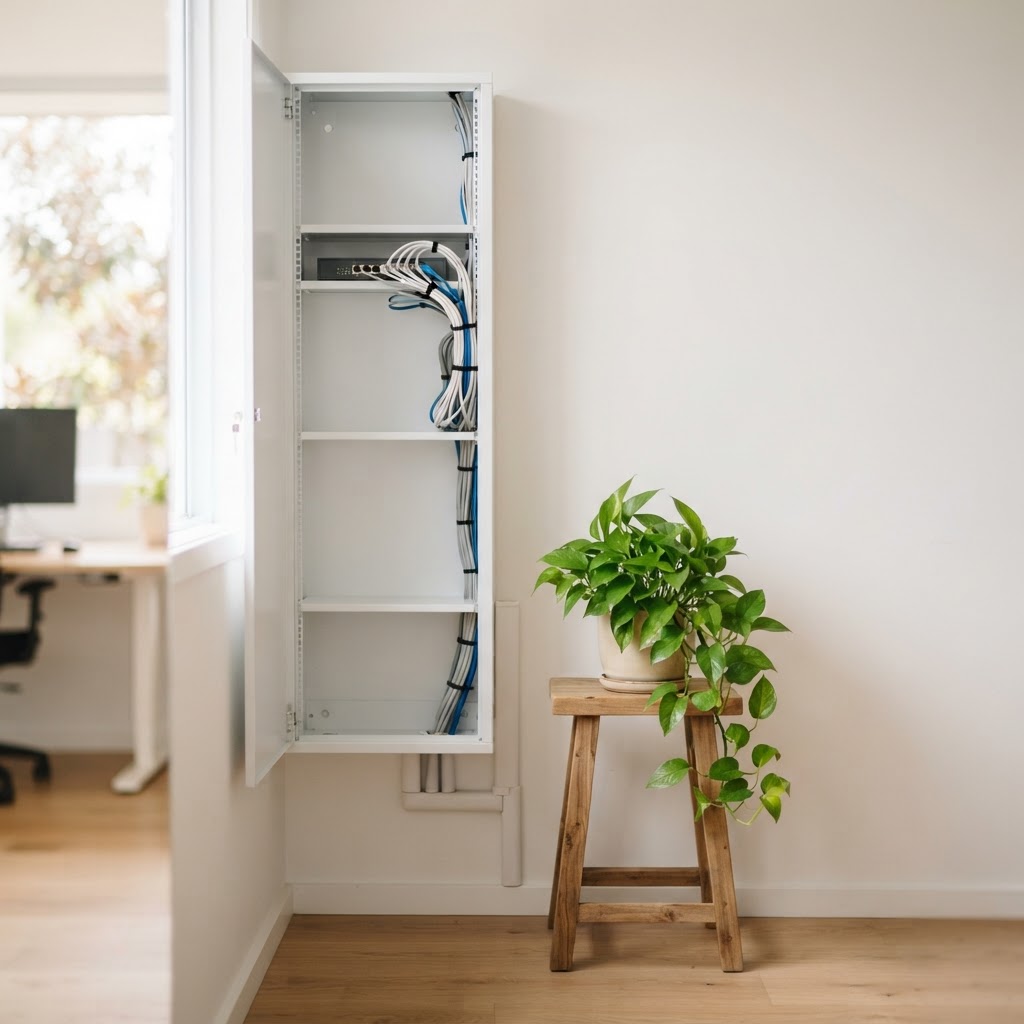
The server in the cupboard has a use-by date. Plan the move.
Old servers fail, run out of support, and cost money to cool and repair. We move files, logins and business apps to Microsoft 365 and Azure out of hours, keep your data in Australia, and check the bill every month so it doesn't creep up.
Windows Server 2016 gets its last security update on 12 January 2027.
- Moved out of hours
- Data kept in Australia
- Bill checked monthly
Reviewed by Blake Bath, General Manager, on 31 October 2026.
What changes
What's different after the move.
No box to replace, cool or worry about.
The server goes
Files, logins and apps move to Microsoft 365 or Azure.
- No hardware
- No cooling
- No surprises
Out of hours
Cutover on a night or weekend, tested before staff log on.
- Planned
- Tested
- Way back
Data in Australia
Australian Azure regions by default.
- Australia East
- Southeast
- Your tenant
Bill checked monthly
Unused resources switched off before they add up.
- Reviewed
- Right-sized
- Reported
What happens to our server?
What happens to your server?
Each job it does has a better home. This shows where.
Tell us what the server in the cupboard does. You get where each job should go.
Where it goes
The server can go
- Files move to SharePoint and OneDrive, laid out by team.
- Logins move to Microsoft Entra ID, with devices managed in Intune.
- The business app moves to an Azure server in Australia, sized for what it needs.
- Windows Server 2016 gets its last security update on 12 January 2027. Paid extended updates exist for Standard and Datacenter, but they only buy time.
The Microsoft date
Windows Server 2016 ends on 12 January 2027.
Microsoft's January 2027 security update is the last one for every edition of Windows Server 2016. After that, no more monthly security fixes. Windows Server 2016 Essentials features, including Remote Web Access, stop being supported the same day.
Extended Security Updates are available for Standard and Datacenter if you need more time. They're paid, and they buy time rather than solve anything.
What it costs
Watching the bill is part of the job.
In Flexera's 2026 State of the Cloud report, organisations estimated 29% of their cloud spend was wasted, the first rise in five years. Most of it is resources left running that nobody uses.
We review your Azure bill monthly and switch off what isn't needed. The move itself is quoted at $195 an hour ex GST, or $210 for weekend cutovers.
How we actually do it
Four steps, with a way back at each one.
- Look at what you haveServers, apps, files and who uses them. What moves, what retires, what stays.
- Plan and price itThe order, timing and monthly cloud cost, in writing, before anything moves.
- Move itOut of hours, tested, with a way back if anything doesn't work.
- Look after itUpdates, security, backups and cost checks from then on.
When this is the wrong choice
When the server should stay.
- Software that must stay on siteSome vendors don't support cloud hosting. A smaller, newer server may be right.
- Very large local filesCAD, video or imaging over slow internet can be painful in the cloud.
- Poor internetFix the connection first, with a backup link.
Mistakes we see
What goes wrong with cloud moves.
- Lift and shift everythingAn old server copied into Azure, running 24/7, costing more than it should.
- Nobody watching the billTest machines left running for months.
- No backup in the cloudAzure keeps it running, not necessarily recoverable.
- Waiting until after support endsRushed moves cost more.
- Forgetting the app vendorLicensing and support terms checked too late.
How we take it on
From cupboard to cloud.
- Step 1Review
What the server does.
- Step 2Plan
Order, timing and cost.
- Step 3Move
Out of hours.
- Step 4Retire
Old server switched off.
- Step 5Run
Bill and backups checked.
Related
Moving off the server touches everything else.
Usually done together.
Get help your way
Six ways to reach us. Pick whichever suits you.
Helpdesk hours are Monday to Friday, 8am to 5pm AEST. On Advantage and above, emergencies get a response within 1 hour and outages within 2, with 24/7 best-effort escalation.
- Call 07 3114 2808
An engineer answers Monday to Friday, 8am to 5pm AEST. After hours, weekends and public holidays, Chip, our AI agent, answers on the same number or on 07 3180 0965, logs it and escalates urgent incidents to the on-call engineer.
Call now - Email the helpdesk
Send it to helpdesk@realbytes.com.au and a ticket is logged straight away, with a reference number you can quote.
Email us - Client portal
Log and follow your tickets, see what we are working on and who has it.
Open the portal - Remote support
When an engineer asks to see your screen, start a secure session here. You start it, so nobody sees your screen until you do.
Start a session - Chat in Microsoft Teams
Clients can message Chip, our AI assistant, in Teams to log a request without leaving their desk.
How clients reach us - Service status
Check whether Microsoft 365 or another cloud service is down before you lose an hour troubleshooting.
See live status
Questions
What people ask about moving to the cloud.
Do we need to move to the cloud?
Not always. If an old server is due for replacement, moving is usually the better choice. Some software still runs best on site. We look at each system and tell you honestly which way to go.
Our server runs Windows Server 2016. How long have we got?
Microsoft's last security update for Windows Server 2016 is on 12 January 2027. Paid Extended Security Updates are available for Standard and Datacenter, but they buy time rather than fix the problem.
How long does a move take?
It depends on how many systems you have and how they connect. Small setups often move in a few weeks. You get a timeline with milestones before work starts.
Will it cost more than our server?
Sometimes the monthly cost is higher, but you stop paying for hardware replacements, power and emergency repairs. We show you both sides before you decide.
Can you move us from another provider?
Yes. From other hosting providers, data centres and AWS to Azure, and between Azure setups.
What does the move cost?
Quoted after we look at what you have, at our project rate of $195 an hour ex GST, and $210 for weekend cutovers. The monthly cloud cost is in the plan before you commit.
Next step
Is your server on borrowed time?
Tell us what it runs and we'll tell you where each part should go, what it costs and when to do it.

Keep reading
Reviewed by Blake Bath, General Manager, on 31 October 2026. Microsoft lifecycle dates and Flexera figures, checked 31 October 2026. Rates are Real Bytes' published prices. Microsoft, Windows message center (Windows Server 2016 end of updates); Microsoft Learn, Ending support in 2027; Flexera, 2026 State of the Cloud