
 Remote
Our services
You run the business. We keep the technology behind it running.
Managed services keep the environment quiet. Security operations watch what happens inside it. Infrastructure modernisation rebuilds the parts holding you back. The same Brisbane engineering team is behind all three.
Documented. Senior-led. Vendor-honest.
- One team, three practices
- Engineer who scopes it runs it
- You own the documentation
Reviewed by Blake Bath, General Manager, on 31 October 2026.
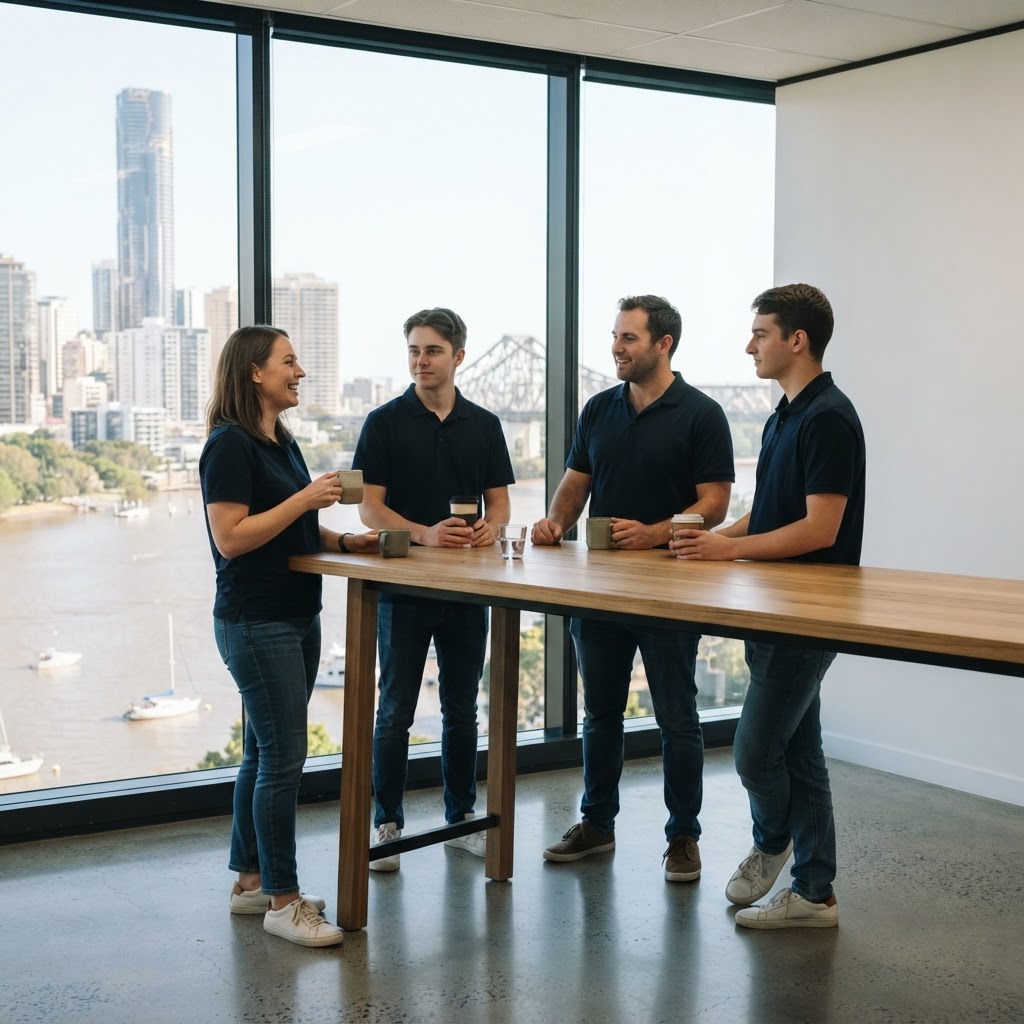
Three practices
Three practices, one operating standard.
Start with one. Add the others when it makes sense.
Managed services
Support, Microsoft 365, devices, backup and renewals, run to a documented baseline.
- Service desk
- Patching
- Backups
Security operations
Detection and response, email security, incident plans and reporting.
- 24/7 watch
- Playbooks
Infrastructure modernisation
Networks, cloud moves, server retirement and new sites.
- Design
- Cutover
- Handover
Where to start
Pick the problem. We'll point to the practice.
Most relationships start with one practice. Pick what's hurting today.
Pick what's actually hurting. You get the practice to start with. Most clients start with one and add the others over time.
Start with
Managed services
The day-to-day: support, Microsoft 365, devices, backup and renewals.
- Then: Security operations. More
What we hold ourselves to
Four commitments across all three.
- Documented
Every environment has a current design, runbook and change log. You own them.
- Senior-led
The engineer who scoped it runs it. No gatekeeper between you and the work.
- Vendor-honest
Recommendations fit your situation, not what we resell most.
- Twelve months out
Licences, renewals and end-of-support dates tracked a year ahead.
Field note
What it looks like when all three practices meet on one client.
A multi-site Queensland operator came to us with a half-finished network rebuild, three open ransomware indicators from their previous provider's monitoring, and a Microsoft 365 tenant nobody had documented in four years.
Infrastructure went first. The network design was rewritten around what the sites actually do, cutovers ran from documented runbooks with agreed rollback points, and handover documentation was produced during the project, not six months later.
Security operations took on the environment the same week. Identity, device and email signals came under our monitoring, and the three open indicators were investigated, contained and closed within the first month.
Managed services then picked up the day-to-day. The engineer who scoped the rebuild is still the senior on the account eighteen months later, the runbooks have been updated four times, and the client has been through two internal IT staff changes without the picture slipping.
Client anonymised.
The stack
The tools behind each practice.
| Practice | What we run |
|---|---|
| Managed services | ConnectWise service desk and background patching, Microsoft 365 with Intune, Keeper password management |
| Security operations | Guardz and SentinelOne detection and response, Check Point email security, Microsoft Defender and Purview |
| Infrastructure | Cisco Meraki and Catalyst, UniFi, HPE Aruba, Microsoft Azure |
How it starts
One practice, then grow.
- Step 1Talk
What's hurting, in plain words.
- Step 2Scope
One practice, fixed scope.
- Step 3Run it
Documented, reviewed quarterly.
- Step 4Add
The next practice when it makes sense.
The practices
Three practices. Plus the detail behind them.
Go deeper.
Get help your way
Six ways to reach us. Pick whichever suits you.
Helpdesk hours are Monday to Friday, 8am to 5pm AEST. On Advantage and above, emergencies get a response within 1 hour and outages within 2, with 24/7 best-effort escalation.
- Call 07 3114 2808
An engineer answers Monday to Friday, 8am to 5pm AEST. After hours, weekends and public holidays, Chip, our AI agent, answers on the same number or on 07 3180 0965, logs it and escalates urgent incidents to the on-call engineer.
Call now - Email the helpdesk
Send it to helpdesk@realbytes.com.au and a ticket is logged straight away, with a reference number you can quote.
Email us - Client portal
Log and follow your tickets, see what we are working on and who has it.
Open the portal - Remote support
When an engineer asks to see your screen, start a secure session here. You start it, so nobody sees your screen until you do.
Start a session - Chat in Microsoft Teams
Clients can message Chip, our AI assistant, in Teams to log a request without leaving their desk.
How clients reach us - Service status
Check whether Microsoft 365 or another cloud service is down before you lose an hour troubleshooting.
See live status
Questions
What people ask about how we work.
What are the three practices?
Managed services runs the day-to-day: support, Microsoft 365, devices, backup and renewals. Security operations watches for attacks and responds. Infrastructure modernisation designs and rebuilds networks, moves to the cloud and retires old servers.
Do we have to take all three?
No. Most clients start with the one that matches their biggest problem, prove it works, then add the others over time.
Who actually does the work?
Our Brisbane engineering team. The engineer who scopes the work runs it afterwards, and there's no offshore first-line layer between you and them.
What tools do you use?
ConnectWise for the service desk and background patching, Guardz and SentinelOne for detection and response, Check Point for email security, Keeper for passwords, and Microsoft 365 with Defender, Intune and Purview. On networks, Cisco Meraki and Catalyst, UniFi and HPE Aruba.
Who owns the documentation?
You do. Every environment has a current design, runbook and change log, and if you ever leave, the next provider picks it up from there.
Next step
Not sure where to start?
Tell us what's hurting. We'll tell you which practice fits, or that you don't need us.

Keep reading
Reviewed by Blake Bath, General Manager, on 31 October 2026. Real Bytes' own practices and tools, checked 31 October 2026.